Resource centre
Checklists and troubleshooting steps for trade buyers, in the same pattern used by leading parts sites: model first, symptom next, specification check before any order. Use the print button for a job-site copy. This page is generic guidance, not a service manual for a specific system and not a substitute for the manufacturer's documentation.
1. Compatibility checklist — print and tick off
| Tick | Field | Your answer |
|---|---|---|
| ☐ | System brand and model (nameplate) | |
| ☐ | System type: air-to-air / air-to-water / other | |
| ☐ | Part category | Sensors / Controllers / Capacitors / Contactors / Thermostats / Unsure |
| ☐ | Existing part identification, if legible | |
| ☐ | Voltage / capacitance / current / temperature range | |
| ☐ | Connector, terminals, dimensions, mounting | |
| ☐ | Refrigerant type, if relevant | |
| ☐ | Quantity range and delivery region | |
| ☐ | What has already been checked |
2. Symptom troubleshooting — first checks, then category
| Symptom | First checks (generic) | Category to open next |
|---|---|---|
| Outdoor unit hums, will not start | Power, wiring, and the old capacitor and contactor markings, where safe | Capacitors, Contactors |
| Unit dead, no response | Power, control signal, thermostat wiring and staging | Contactors, Controllers, Thermostats |
| Wrong temperature, erratic heating or cooling | Sensor location and readings, thermostat staging and wiring | Sensors, Thermostats |
| Repeated control or defrost problems | Sensor inputs, control fault pattern, and what was already replaced | Controllers, Sensors |
A symptom alone does not prove a category is at fault. Do not order by symptom alone, and do not attempt refrigerant or high-voltage work unless you are qualified and local regulations allow it.
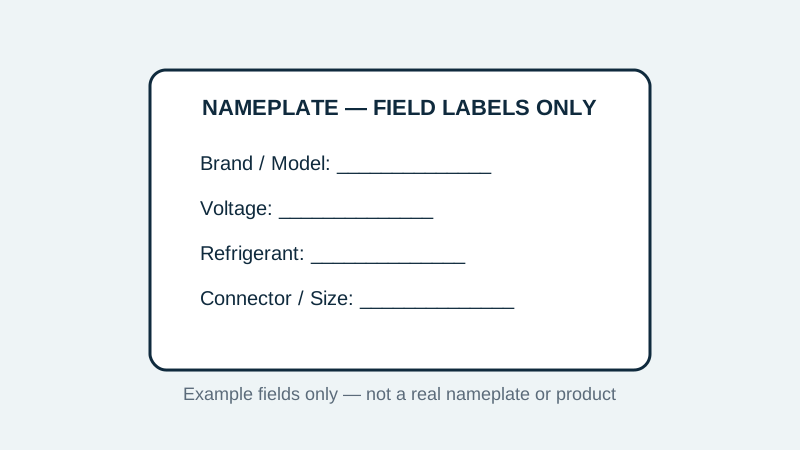
3. How to read a nameplate — field by field
- Brand and model: the first fields to copy exactly, including any suffix letters.
- Voltage, phase and frequency: needed for every electrical category on this site.
- Refrigerant type and system capacity, where shown: context for control and sensor selections.
- Serial or manufacturing code, if shown: useful when a model has more than one revision.
- If a label is faded, photograph it where safe, note what is still legible, and say what is missing in your inquiry rather than guessing.
4. Selection checklists by category
- Sensors: function and location, operating range, connector and cable.
- Controllers: system model, supply voltage, staging, wiring layout, fault pattern.
- Capacitors: capacitance (µF), voltage, terminals, shape, mounting, motor or circuit served.
- Contactors: coil voltage, poles, current rating, load switched, terminals.
- Thermostats: stages, auxiliary heat, terminal layout, power source.
5. Inquiry worksheet — copy, fill in, send
Copy the fields from section 1 into the inquiry page. A quotable inquiry is one where model, key rating, connector and quantity are all present. If a field is unknown, write “unknown” rather than guessing — a missing field flagged honestly is faster to check than a guessed field that has to be undone.
Send an Inquiry With Your System Details Compatibility Guide Browse Categories