Compatibility and selection guide
Most wrong-part orders are not caused by a bad part. They are caused by missing system information. Work through these five steps, then paste the worksheet into your inquiry.
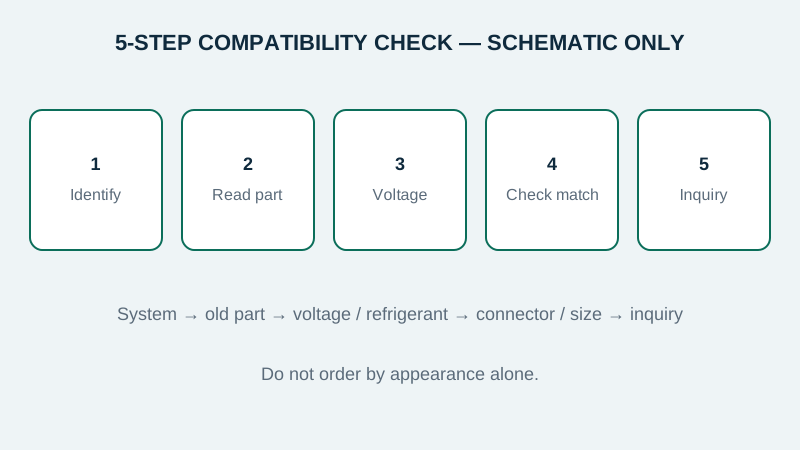
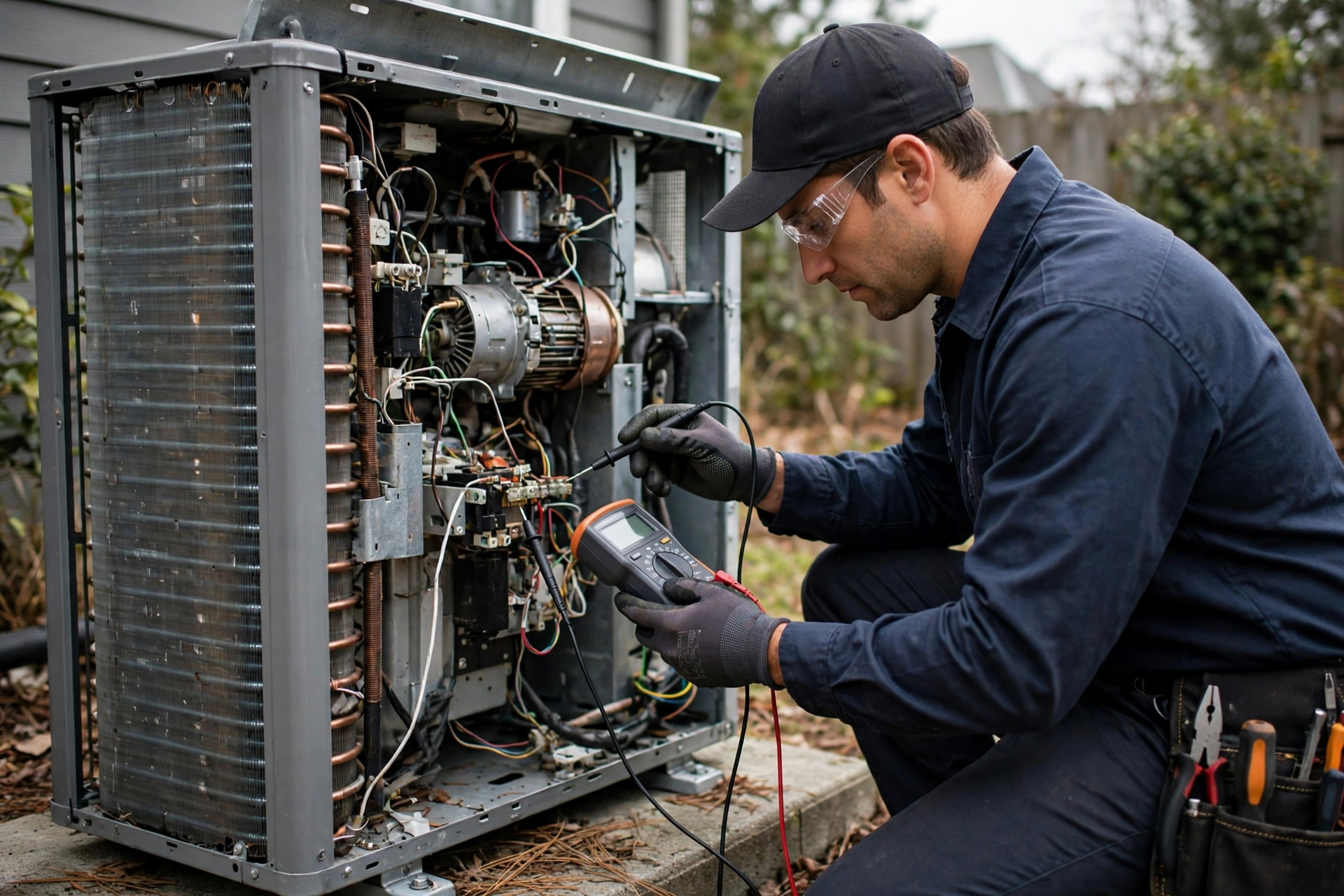
Step 1: Identify the system
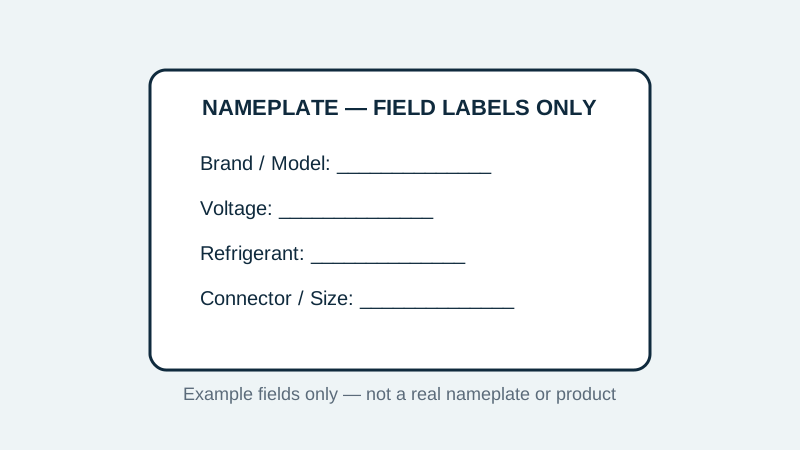
- System brand and model, from the outdoor and indoor unit nameplates if available.
- System type: air-to-air, air-to-water, or another configuration, if known.
- Approximate age and installation context, if that helps identify a generation or revision.
Step 2: Read the existing part
- Part identification printed on the existing part, if legible.
- Voltage, capacitance, current or temperature range, as applicable to the category.
- Connector type, terminal layout, cable length and mounting dimensions.
- Photos of the nameplate and the existing part, where it is safe to take them.
Step 3: Confirm voltage and refrigerant context
- Supply voltage and phase for the circuit the part serves.
- Refrigerant type used by the system, if relevant to the part or its location.
- Whether auxiliary or emergency heat is involved, for thermostat and control selections.
Step 4: Check what a match still needs
Even with the same headline value, a part can differ in connector, size, mounting or control behaviour. If any item above is missing, say so in your inquiry rather than guessing. Specifications and pricing are confirmed on inquiry, after the system information has been reviewed.
Step 5: Copy this worksheet into your inquiry
| Field | Your answer |
|---|---|
| System brand / model | |
| System type (air-to-air / air-to-water / other) | |
| Part category | Sensors / Controllers / Capacitors / Contactors / Thermostats / Unsure |
| Existing part identification | |
| Voltage / capacitance / current / range | |
| Connector, terminals, dimensions, mounting | |
| Refrigerant type (if relevant) | |
| Quantity range and delivery region | |
| What has already been checked |
What not to do
- Do not order by appearance alone. Similar-looking parts can have different ratings.
- Do not substitute voltage, capacitance or current ratings without checking system documentation.
- Do not attempt refrigerant or high-voltage work unless you are qualified and local regulations allow it.
This guide is generic selection guidance for trade buyers. It is not a service manual for a specific system, and it does not replace the manufacturer's documentation for that system.